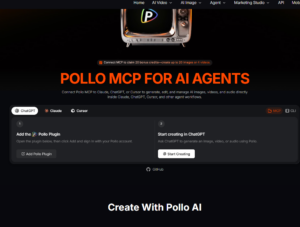
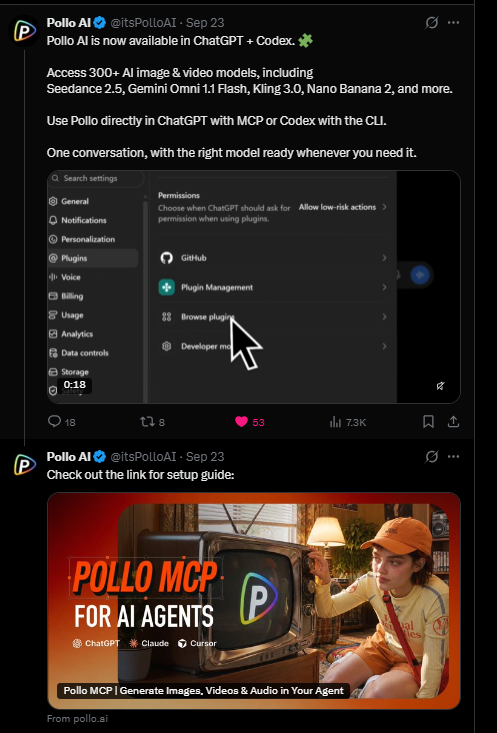
Pollo AI recently introduced a new integration that allows users to generate AI images, videos, and audio directly from ChatGPT, without constantly switching between applications. Announced on September 23, 2026, the feature uses the Model Context Protocol (MCP) to connect ChatGPT with Pollo AI’s extensive collection of generative models, including Seedance, Kling, and others. Instead of navigating Pollo’s website, selecting a model, configuring its parameters, and pasting a prompt, users can now describe what they want in a ChatGPT conversation and have the request submitted to Pollo automatically. I recently spent some time testing this integration, and the results were surprisingly encouraging.
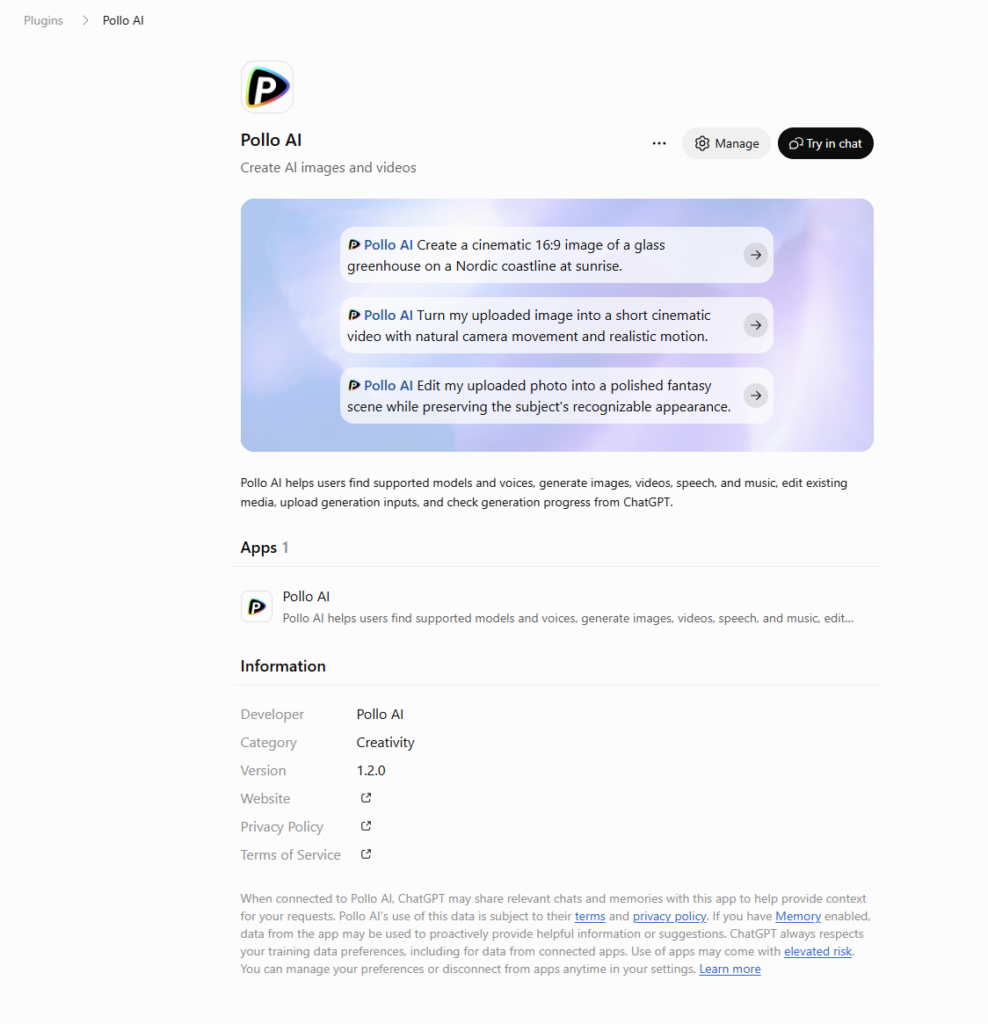
Getting started is relatively simple. Visit Pollo AI’s MCP setup page, select the ChatGPT plugin, and add it to your ChatGPT account. You’ll be prompted to connect your existing Pollo AI account and authorize the integration. Once installed, the plugin can be invoked directly from a regular ChatGPT conversation by mentioning @Pollo AI. There’s no need to use ChatGPT’s separate Work or Codex environments. I successfully tested the feature in the ChatGPT Windows desktop application using a ChatGPT Plus account.
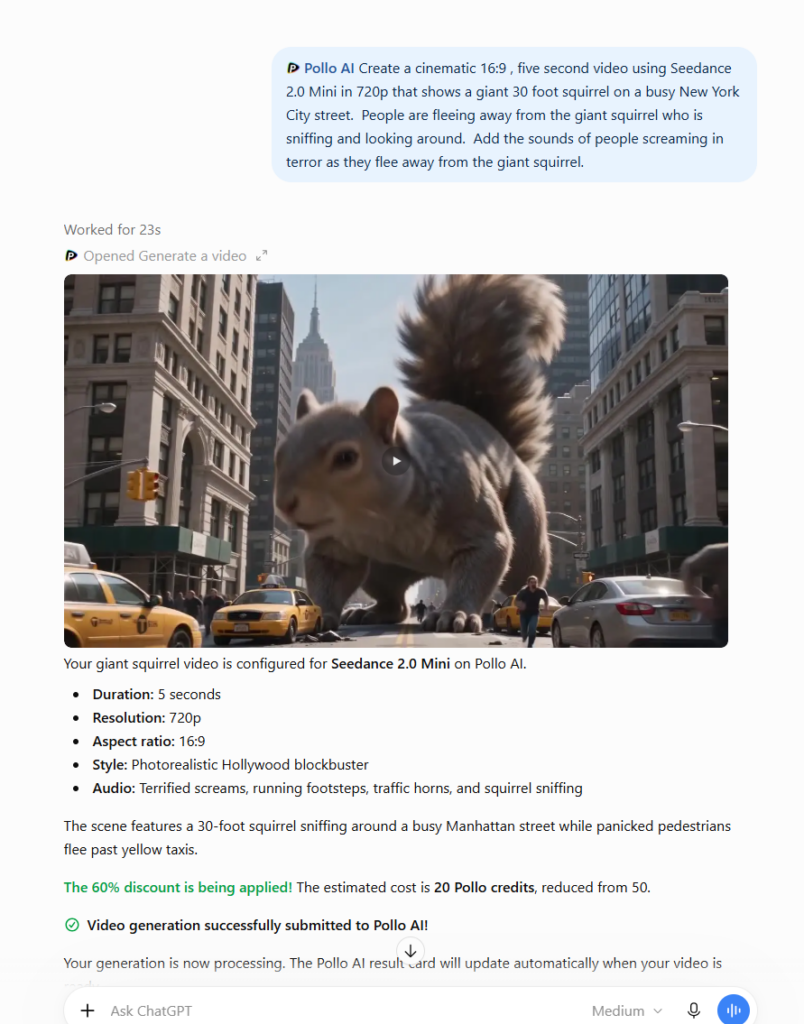
For my first experiment, I asked ChatGPT to create a five-second cinematic video featuring a giant, 30-foot squirrel wandering through a busy New York City street while terrified pedestrians ran away screaming. I specified Seedance 2.0 Mini as the model, along with a 16:9 aspect ratio, 720p resolution, realistic Hollywood-style visuals, and sound effects. ChatGPT interpreted my request, prepared a detailed generation prompt, and submitted the appropriate model settings to Pollo through the plugin. It even checked the estimated credit cost beforehand and correctly identified a promotional 60% discount that Pollo was offering at the time. Most importantly, the integration didn’t introduce a separate Pollo generation surcharge in my test, although normal ChatGPT usage limits and Pollo credit charges still apply.
My next experiment was a bit more ambitious. I created a four-panel science-fiction storyboard featuring an astronaut named Maya Holloway exploring an alien planet, along with a separate character reference sheet to help maintain her appearance. I attached both images to a ChatGPT message and asked Pollo to generate a 10-second cinematic movie preview following the four storyboard panels. ChatGPT uploaded the images to Pollo, submitted them as separate visual references, and included instructions describing how each should be used. This demonstrates a particularly useful capability for more involved creative projects: users can combine image references, detailed scene descriptions, camera directions, and model settings without manually transferring everything between applications. There are some limitations, however. For example, the current plugin doesn’t expose the same interactive image-tagging controls available on Pollo’s website, so reference assignments rely partly on written instructions.
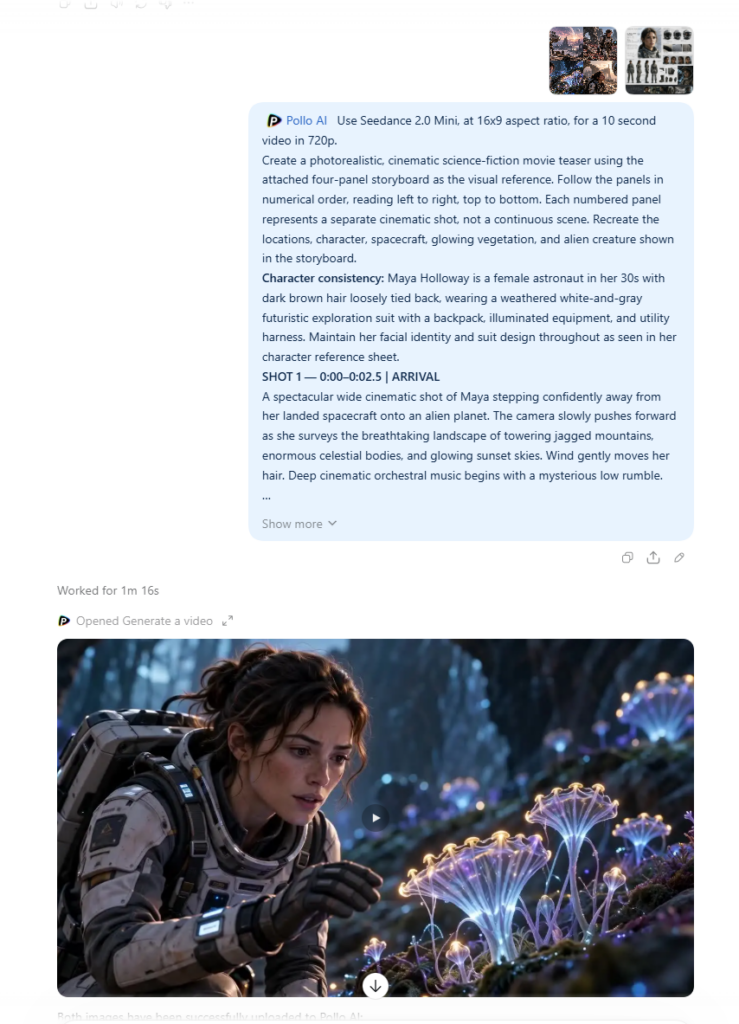
One of the nicest aspects of the integration is what happens after submitting a generation request. ChatGPT displays a Pollo result card directly in the conversation, which updates as the generation progresses. Once completed, the video can be played and downloaded from that same card, without returning to Pollo’s website. For creators who frequently generate multiple images or video clips, this eliminates a surprising amount of repetitive work. Pollo’s plugin also supports submitting batches of independent video generations, opening the door to more efficient production workflows. After these initial experiments, I’m impressed with the convenience and how smoothly the integration works, although more testing is needed to determine how well it handles complex multi-character scenes and longer, interconnected productions. It won’t replace every feature of Pollo’s native interface, but for creators already using ChatGPT to develop prompts, storyboards, and video concepts, this integration offers a genuinely useful improvement to the creative workflow.